Wednesday, November 30, 2011
QR Code Generator
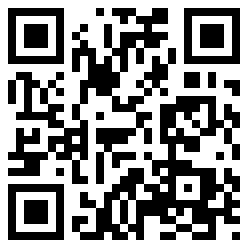
Do you want a great use for smart phones in the classroom? Try using a QR Generator to link great websites and resources to homework and other handouts. A QR code can be read on a smart phone using one of the various free QR reader apps. All you have to do is take a picture of the QR code and paste it onto your document. When students are working they can take a picture of the code and then access the resources right on their phone. This can be used for supplemental videos, tutorials, or any other sites that enhance your lesson. The QR code generator is easy to use, just copy and paste the URL, pick the content type, and generate your code. Then copy and paste just like below.

Subscribe to:
Comments (Atom)